WinPE 10-8 Sergei Strelec (x86/x64/Native x86) 2017.08.31
Загрузочный диск Windows 10 и 8 PE
Версия программы: 2017.08.31
Официальный сайт: Sergei StrelecЯзык интерфейса: Английский
Лечение: не требуется
Системные требования:- RAM 1 GB / Native 512 MB
- PC with the ability to boot from CD/DVD-drive or USB.
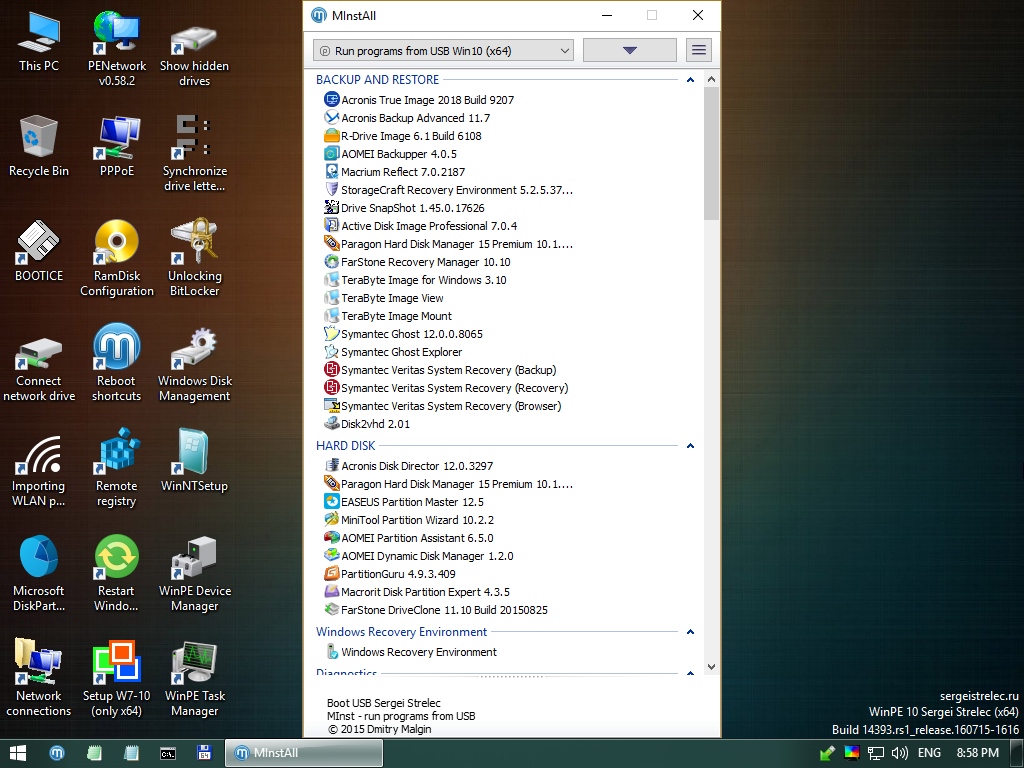
Описание: Загрузочный диск на базе Windows 10 и 8 PE - для обслуживания компьютеров, работы с жесткими дисками и разделами, резервного копирования и восстановления дисков и разделов, диагностики компьютера, восстановления данных, антивирусной профилактики и установки ОС Windows.
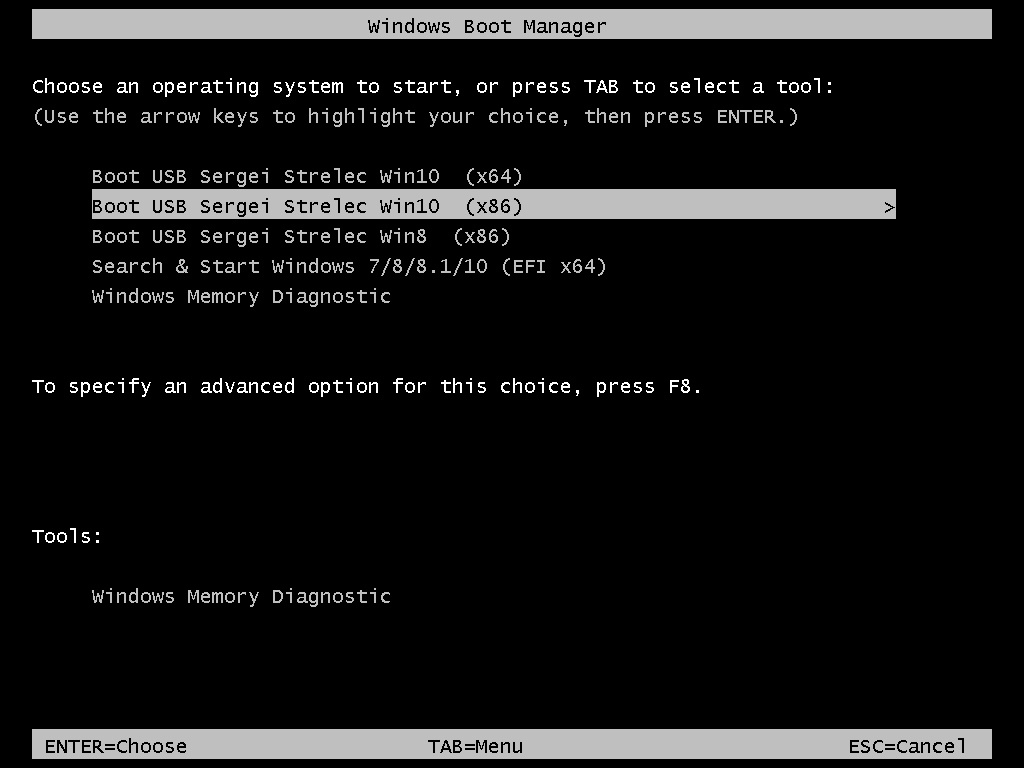
- WinPE10x86
- WinPE10x64
- WinPE8x86
- WinPE8x86(Native)
- HDD Regenerator 2011
- HDDaRTs 10.01.2017
- HDD Regenerator 2011
- MHDD 4.6
- Victoria 3.52
- MemTest86+ 5.01
- MemTest86 6.3.0 (PassMark)
- HDAT2 5.3
- GoIdMemory PRO 7.85
- Active Password Changer Professional 5.0
- Ghost 11.5
- BootIt Bare Metal 1.36
- Eassos PartitionGuru
- Some fixes.
- Acronis Universal Restore is replaced with Acronis Backup Advanced 11.7 (Universal Restore is there)
- Updated programs:
- Acronis True Image 2018 Build 9207
- TeraByte Image for Windows 3.10
- AOMEI Partition Assistant 6.5.0
- EaseUS Data Recovery Wizard 11.6
- UFS Explorer Professional Recovery 5.23.1
- Eassos Recovery 4.2.1.297
- Far Manager 3.0 Build 5000
- Dism++ 10.1.1000.31
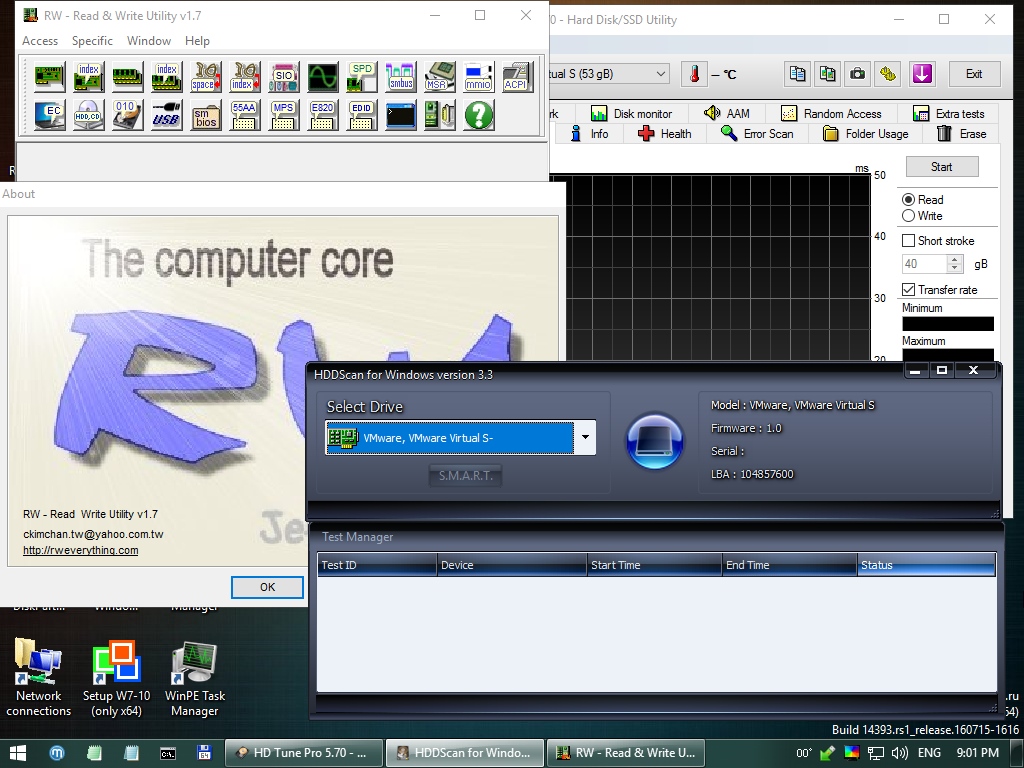
- RWEverything 1.7
- NirLauncher 1.20.12
- ATTO Disk Benchmark 3.05
- BootIt Bare Metal 1.40 (DOS)
- SmartFix Tool 1.4.17.0
- Other changes.
Supported methods and protocols: TCP/IP, NetBIOS, PPPoE, and WLAN (Wi-Fi).
If you want use Wi-Fi - you need to install "wireless network-adapter driver". Choose "Drivers" section in the "Start Menu".
Connecting to Wi-Fi require to use "PE Network Manger", click on tab "Wi-Fi" on it.
If you connect a network drive, in the Username field, should be indicated in the format of "computer name \ user name"
Example: STRELEC-PC \ SEREGA
Also, if the automounter.
Example: net use Z: \\ STRELEC-PC \ J / USER: STRELEC-PC \ SEREGA 123456
You can put your WLAN or controller driver in the "SSTR\USER\MY_DRIVERS_x64" or "SSTR\USER\MY_DRIVERS_x86" folder
Driver will be installed while Windows PE is booting.
Important: subfolders should not have spaces in the names
If you want to change the image of the desktop, you must put your picture in the SSTR\MInst\Wallpaper folder to replace the existing Wallpaper.jpg under the same name (that is, replace its)
In the folder SSTR/MInst/Portable/Antivirus instead Dr.Web CureIt! and Kaspersky Virus Removal Tool pacifiers.
Need to download the latest version and replace the pacifiers.
This is a special mode in which the first load specially prepared minimal kernel (without GUI) and works off a script that searches for media (DVD, USB-HDD) with an assembly and installs the "full" kernel.
+ Pros:
- Fast loading on USB 1.x. Instead of conventional 5-10 min USB 1.2 - about 1 minute.
- Less memory consumption (for Strelec assembly - less on ~ 250Mb).
- Reduced CPU requirements (Native Mode kernel patched to work with the CPU starting from P4 / Athlon), scanning is disabled NX-Bit.
-Minuses:
- Binding to the carrier (if extraction - PC "hangs").
- Slower core work (because everything is loaded not from the fast RAM-disk, and c is a slow media). In practice, special "brake" is not felt.
- For compatibility with older CPU is disabled and multi-core support PAE.
Note: On modern PC is better to use normal startup.
WinPE10_8_Sergei_Strelec_x86_x64_2017.08.31_English.iso
CRC32: 682E673B
MD5: 6B6C835989764D708CFB17B3B6EF2A95
SHA-1: BC7152DCE322D0F19892E2300393BFAD9828F7C7
Скриншоты:
Время раздачи: 24/7