Apple Service Diagnostics
Год выпуска: 2005-2013
Разработчик:
Apple Inc.Платформа: PPC/ Intel
Язык интерфейса: английский
Таблетка:
не требуется
Коллекция образов для проверки компьютеров Apple.
Apple Service диагностические тесты аппаратных средств для правильной работы.
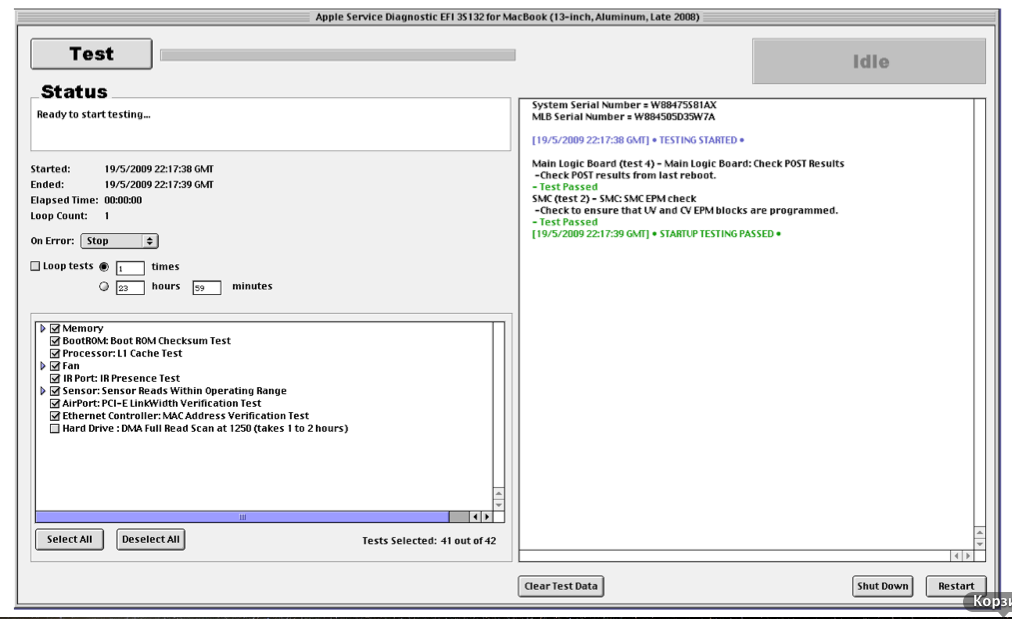
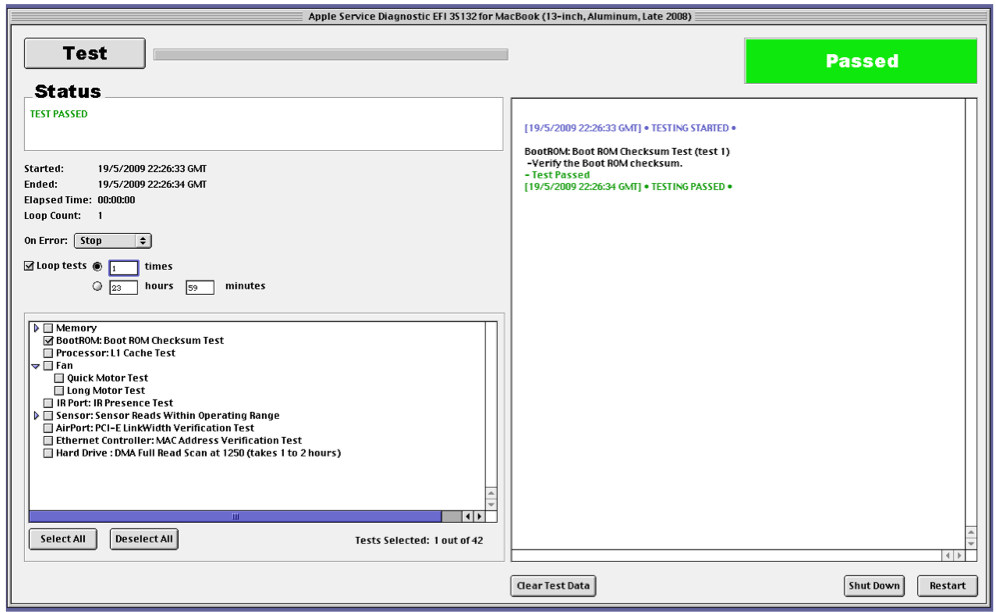
Apple Service Diagnostic (EFI) выполняет низкоуровневые тесты аппаратного обеспечения и не требует операционной системы для запуска. Вся информация находится в образах в PDF файлах.
И настоятельно рекомендуется для прочтения, перед запуском тестов.
Apple Service Diagnostic tests the hardware for correct operation.
Apple Service Diagnostic (EFI) performs low-level tests
of hardware directly and does not require an operating system to run.
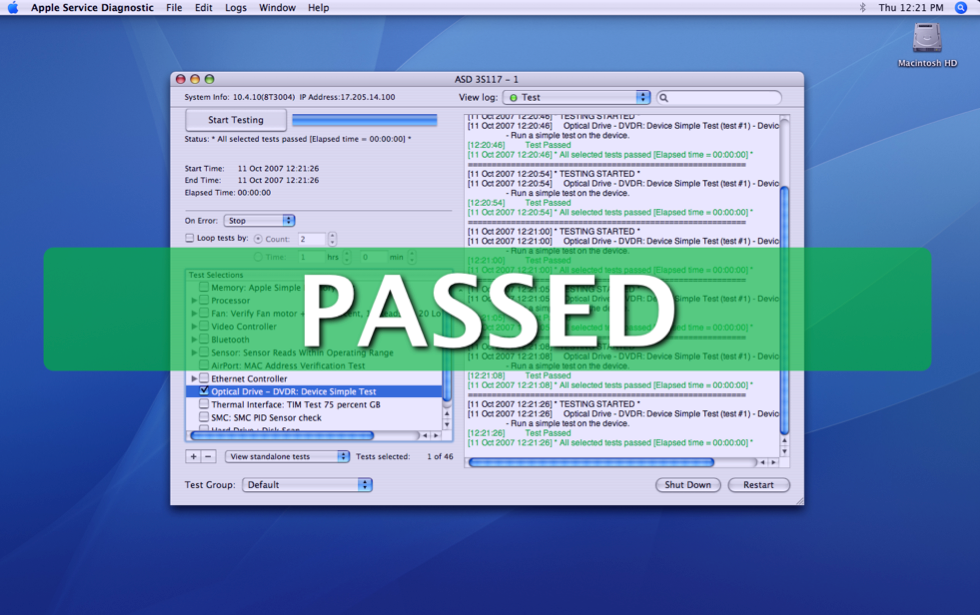
Apple Service Diagnostic OS tests use an OS X operating system to perform tests.
Building the bootable USB drive
Refer to Creating a ASD USB Bootable Drive.pdf document.
Booting and using the Apple Service Diagnostic application
Before using Apple Service Diagnostic disconnect any Ethernet network,
USB and Audio cables. Plug in the ASD USB drive.
With the USB drive plugged into a USB port restart the machine and hold down
the option key as the computer boots up into the system picker.
To run EFI tests select the ASD EFI drive icon and press return or select it with a mouse click.
To run OS tests select theASD OS drive icon and press
return or select it with a mouse click. For EFI tests the application will boot in 20-30 seconds.
For OS tests the application will boot in 2-3 minutes.
After running EFI or OS diagnostics press the Restart button to restart the Mac
and hold down the option key to get back to the system picker
or do nothing to get back to the normal boot drive.
Из нужного вам образа dmg или DVD
Дисковой утилитой,либо другой подобной программой ULTRA ISO
Создать загрузучную флешку или DVD диск
Загрузится с созданной флешки либо диска.
Скриншоты:
Время раздачи: мультитрекер 24/7 


 (Голосов: