Araxis Merge Pro 2017.4937
Тип издания: macOS Software
Релиз состоялся: 03 октября 2017
Поддерживаемая ОС: macOS 10.13 +
Разработчик: Araxis
Официальный сайт: ссылкаЯзык интерфейса: Английский
Лечение: не требуется (инсталлятор уже пролечен)
Системные требования:
Intel, 64 bit processor
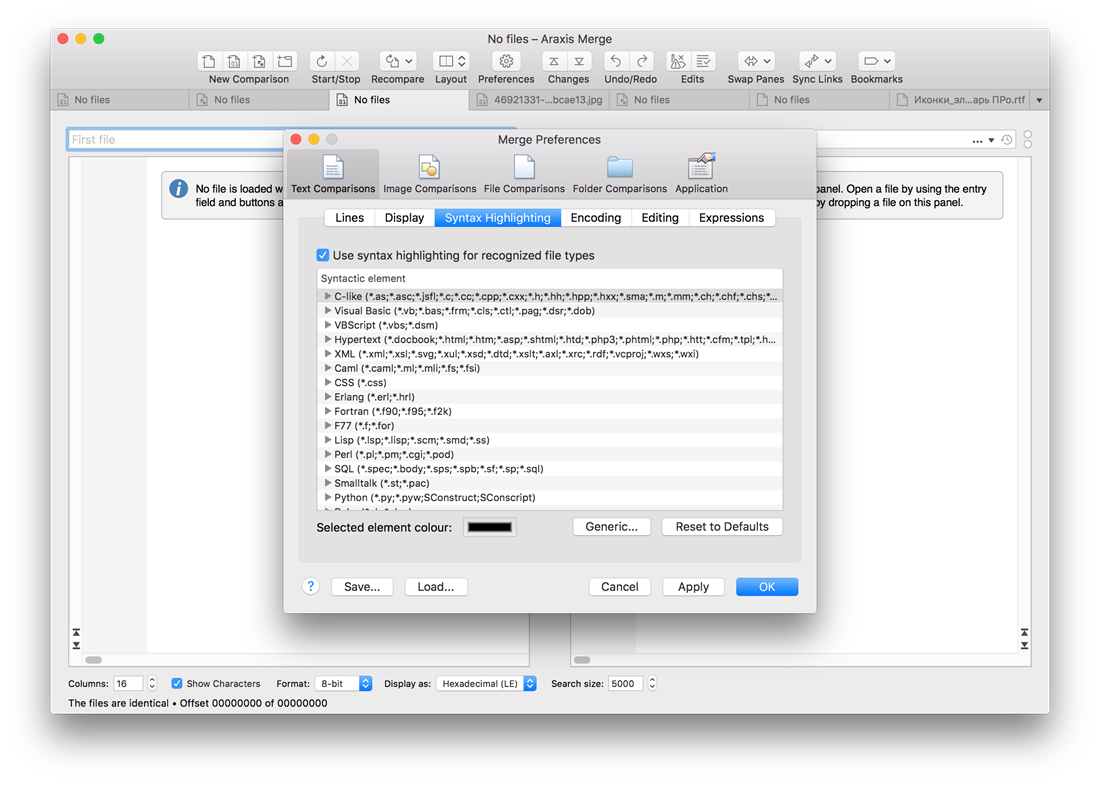
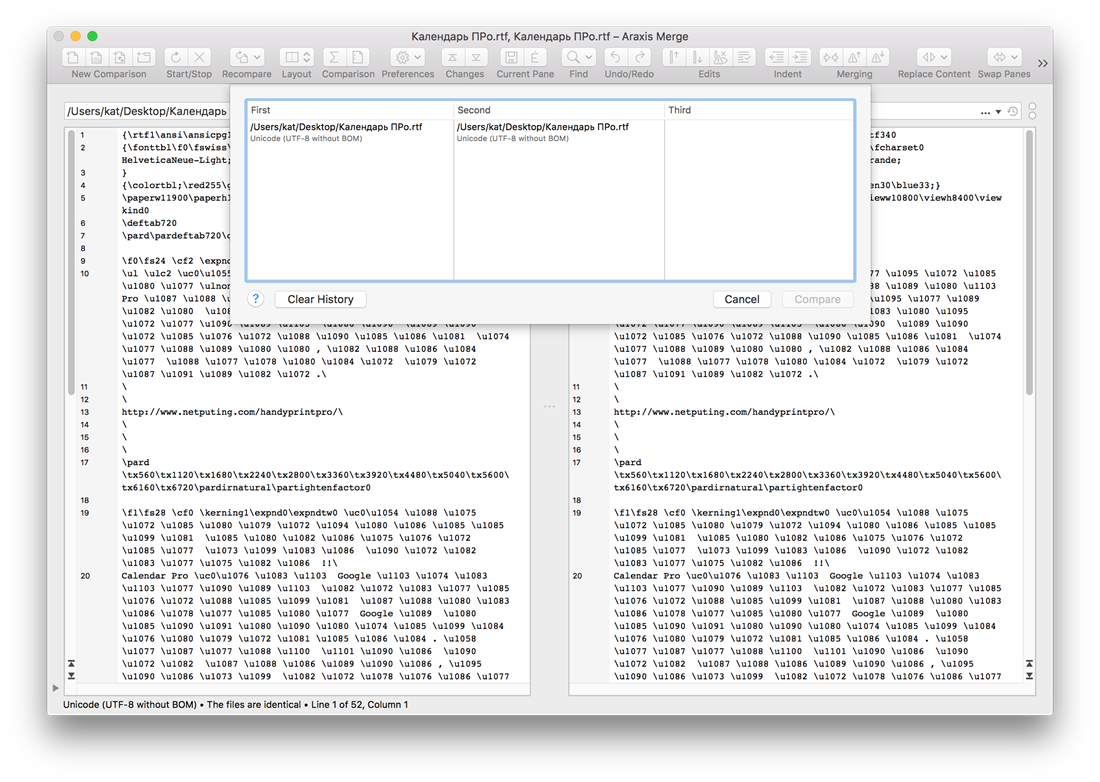
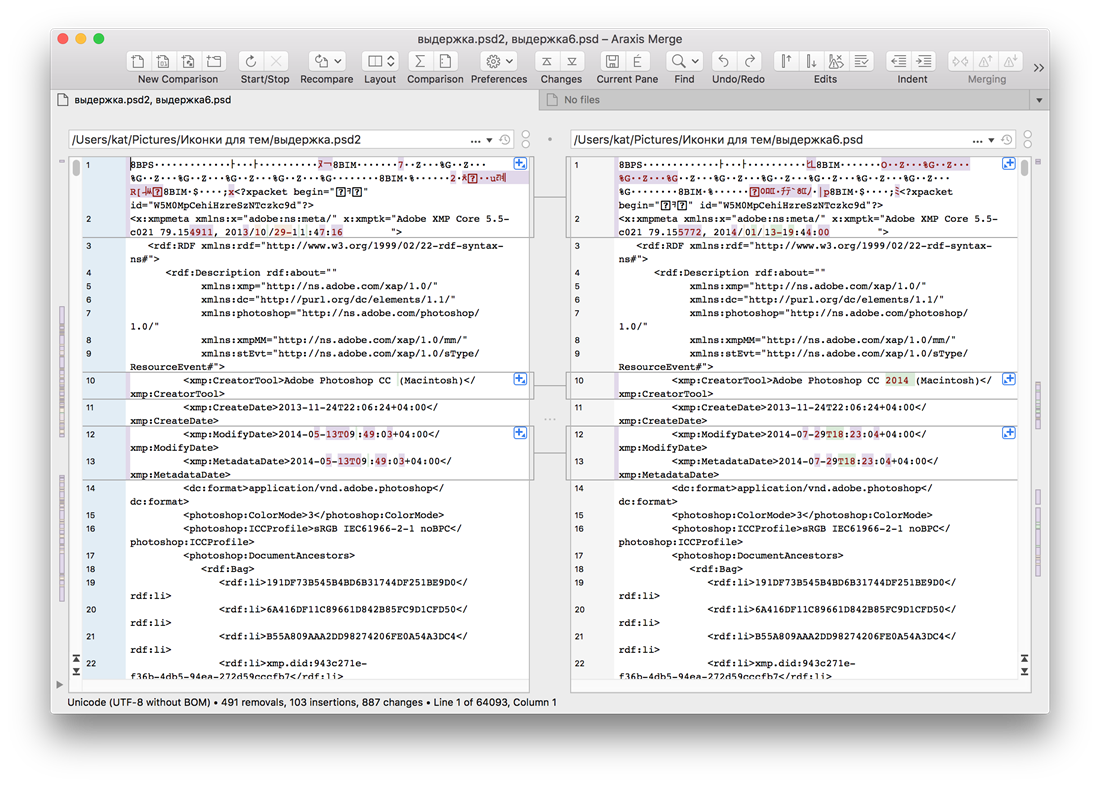
macOS 10.13 или более новаяОписание:Программа для двух и трехстороннего сравнения / слияния файлов и синхронизации папок от компании Araxis. Используйте данное приложение, чтобы сравнивать, понимать и объединять различные версии источника кодов, веб-страницы и другие текстовые файлы и даже текст, копированный и вставленный с другого приложения.
Merge – это обязательная программа для разработчиков программ, юристов, менеджеров по выпуску продуктов, веб-дизайнеров и других профессионалов, которые работают с проверкой различных текстовых файлов, включая файлы ASCII, MBCS и Unicode. Merge интегрируется с большинством программ по управлению обновлением поколений и системами по управлению настройками программ.
Version 2017.4937:
Improved
• Merge is fully supported, optimized, and tested on macOS High Sierra
• Image zooming has been completely reworked
• The swap slider on image comparisons is only enabled if there are at least two files that will swap
• Vertical ruler markings (which separate images in multi-image files) are no longer shown in an image comparison panel when the image file contains only a single image
• File and folder history lists are no longer stored in saved Merge preference files or saved comparisons
• The preference to turn-off font smoothing for text in text comparisons has been documented
Fixed
• Merge no longer crashes in certain circumstances when using auto-complete in the file/folder pathname entry fields
• Text and binary comparisons have been fixed to draw correctly on macOS High Sierra if the Merge application window is resized when an information message is displayed within a file panel and line-wrapping is enabled.
• When Merge is running on macOS High Sierra and no Merge windows are open, clicking the Merge dock icon opens a new default comparison
• Image comparisons now ignore embedded DPI metadata when sizing and displaying images. Previously, embedded metadata could lead to images being drawn at an inappropriate size.
• The background checkerboard for image comparisons no longer extends beyond the image at certain zoom factors
• Dragging and dropping an image on to the whitespace surrounding an image in an image comparison loads that image
• Clicking on the whitespace surrounding an image in an image comparison gives focus to that image’s panel
• It is possible to tab through the controls in the control bar at the bottom of an image comparison when the system is configured for full keyboard access
• Merge will no longer relaunch in certain circumstances after a user has completed a Git conflict resolution and exited Merge
• Minor defects in the Japanese localization have been corrected
• Merge no longer crashes in certain circumstances when using the auto-completion feature of file/folder entry fields
Скриншоты:
Время раздачи: до 3-х первых скачавших