December 11, 2013
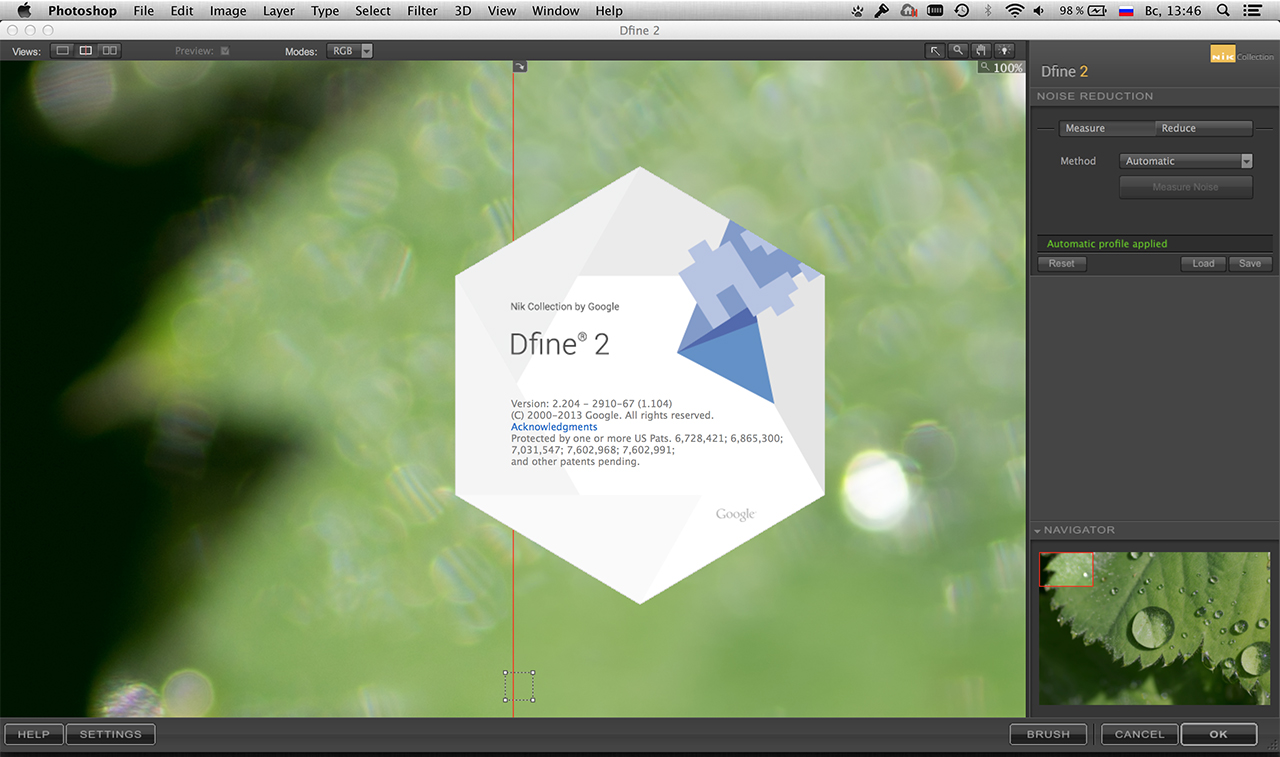
- Fixed crashes with Dfine 2 when launching on Mac OS 10.6
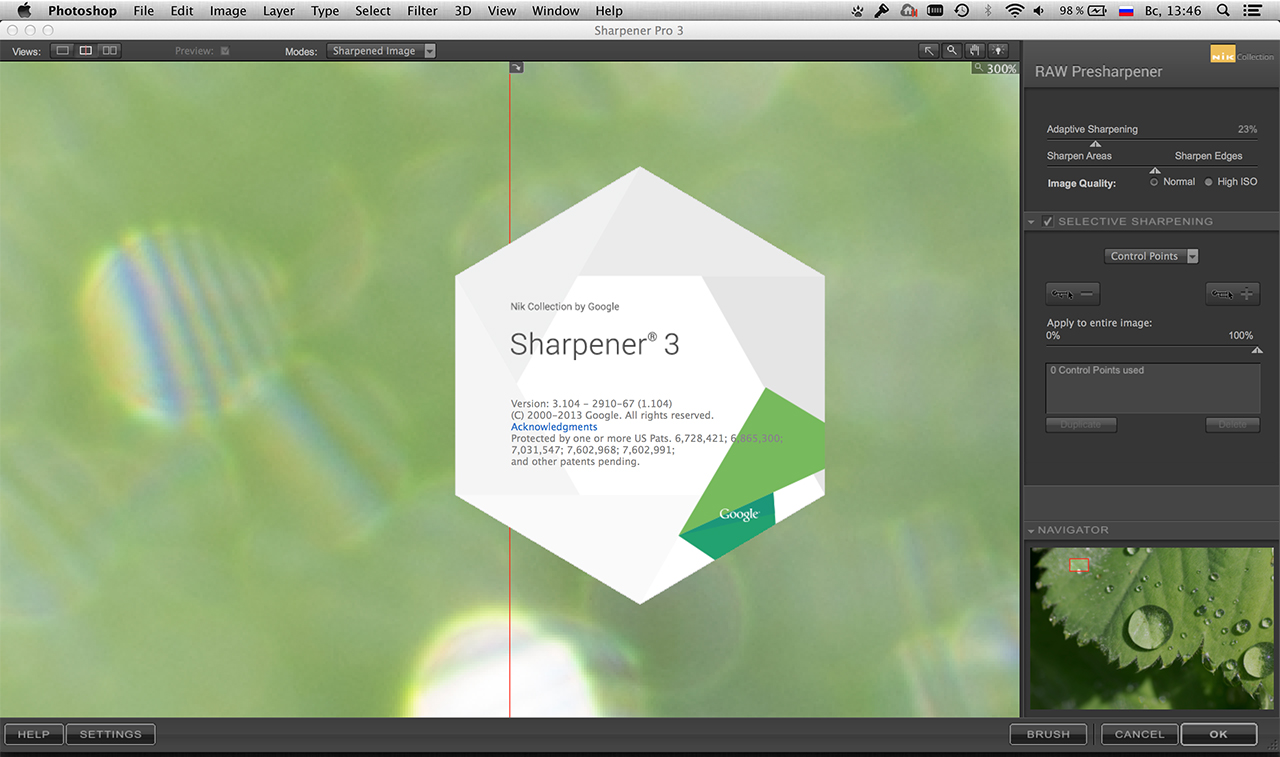
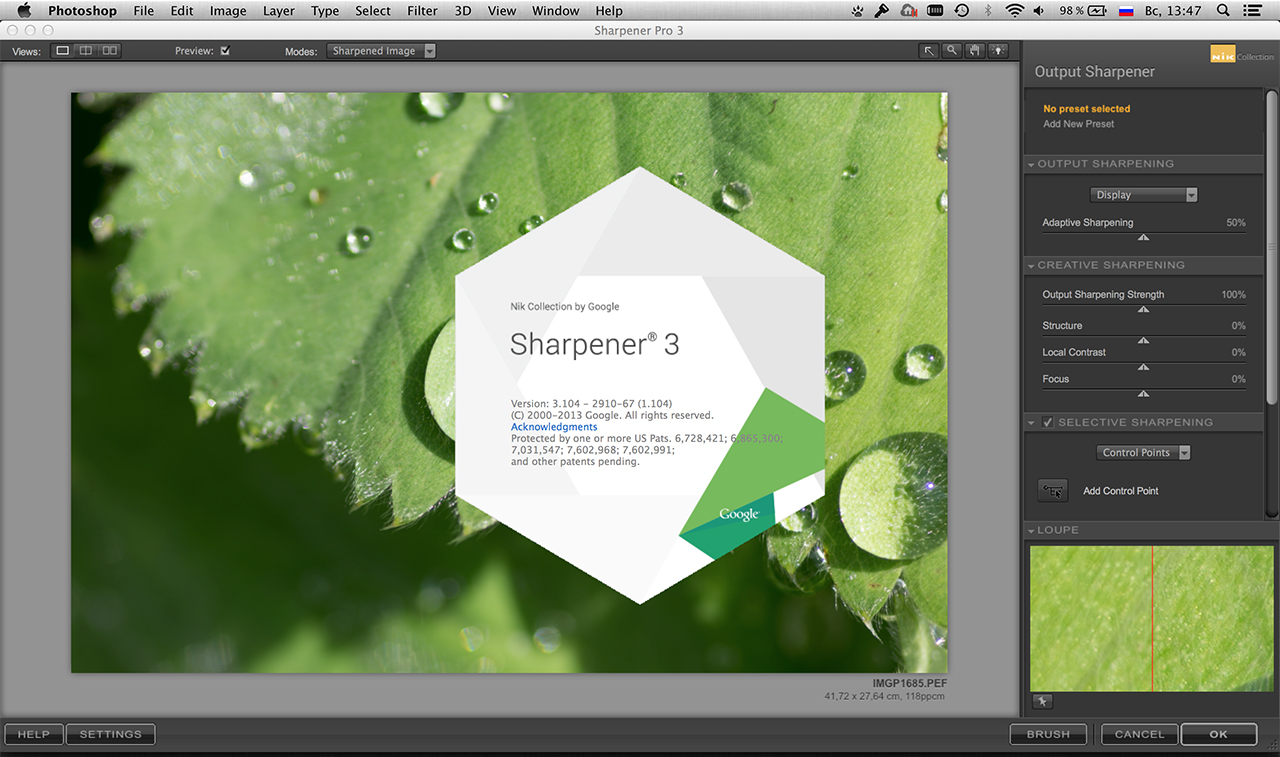
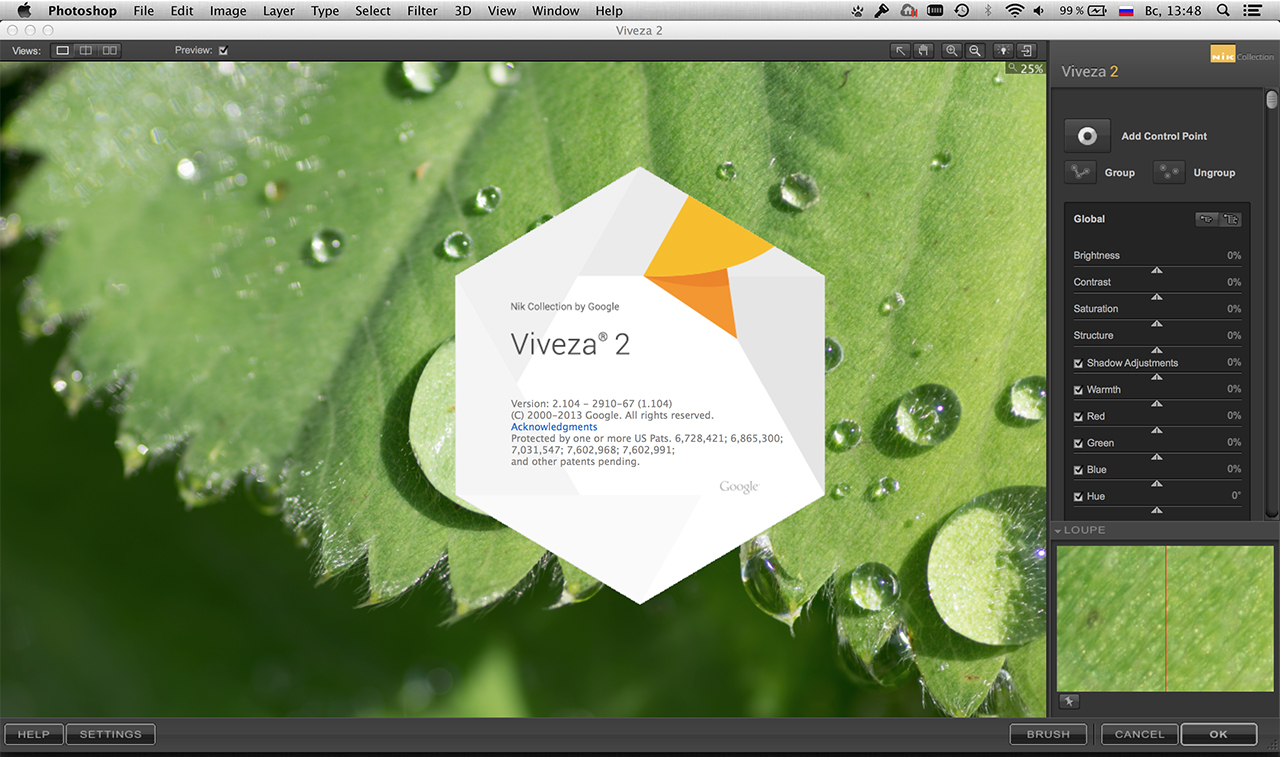
- Fixed compatibility issues with 64-bit Dfine 2, Sharpener Pro 3 and Viveza 2 on Windows 8
- Fixed Aperture UI issue that might have occurred after returning to Aperture from plug-ins on Mac OS
- Fixed black or white tile artifacts that might have occurred after returning to Photoshop from plug-ins
- Fixed large color tiles appearing in the plug-in preview on systems with Intel HD graphics cards
- Fixed GPU filtering artifacts occurring on Mac OS 10.9 with Intel HD 2000/3000 graphics cards
- Fixed a Photoshop crash that might have occurred in a specific situations using the brush functionality
- The preset preview will be shown at full retina resolution on supported systems
- Various small retina graphic optimizations
- Improved the click and drag experience when using a tablet
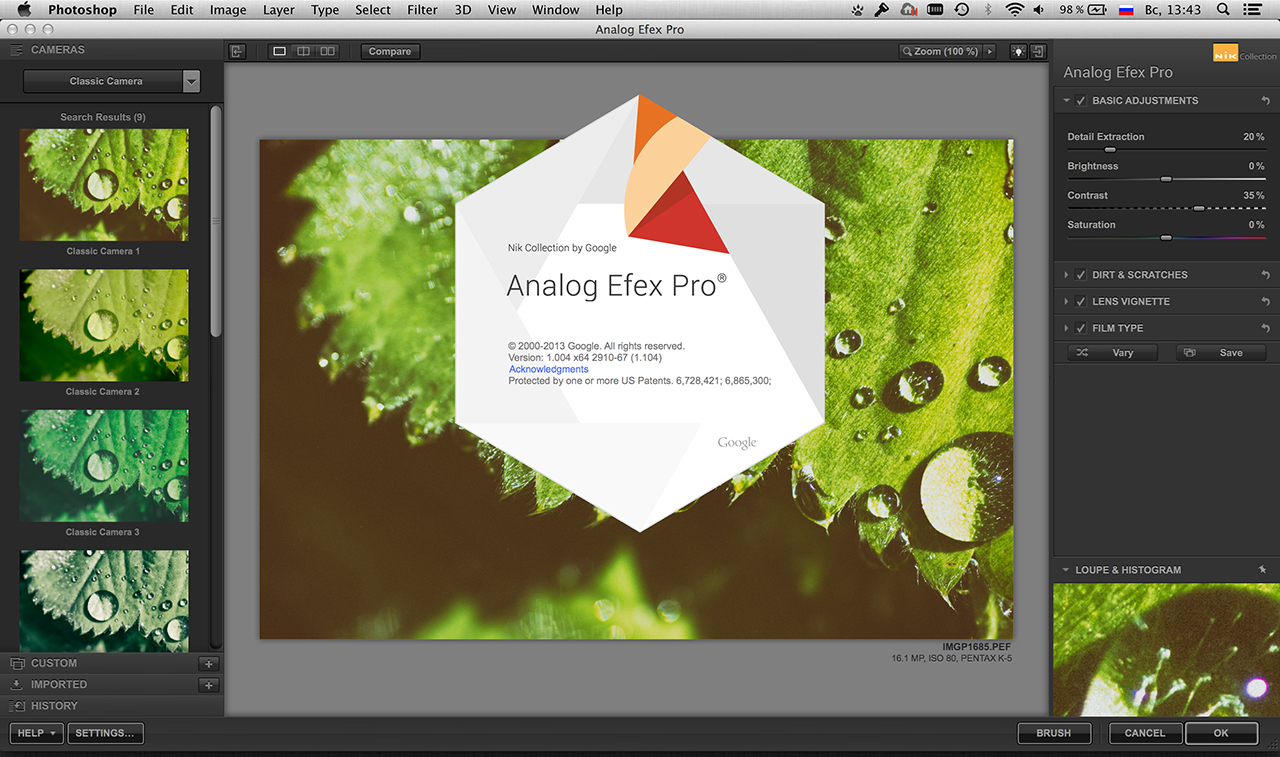
Analog Efex Pro: Added the affect of the Vary button to the Levels and Curves strength slider
Analog Efex Pro: Fixed the History comparison button for the initial state
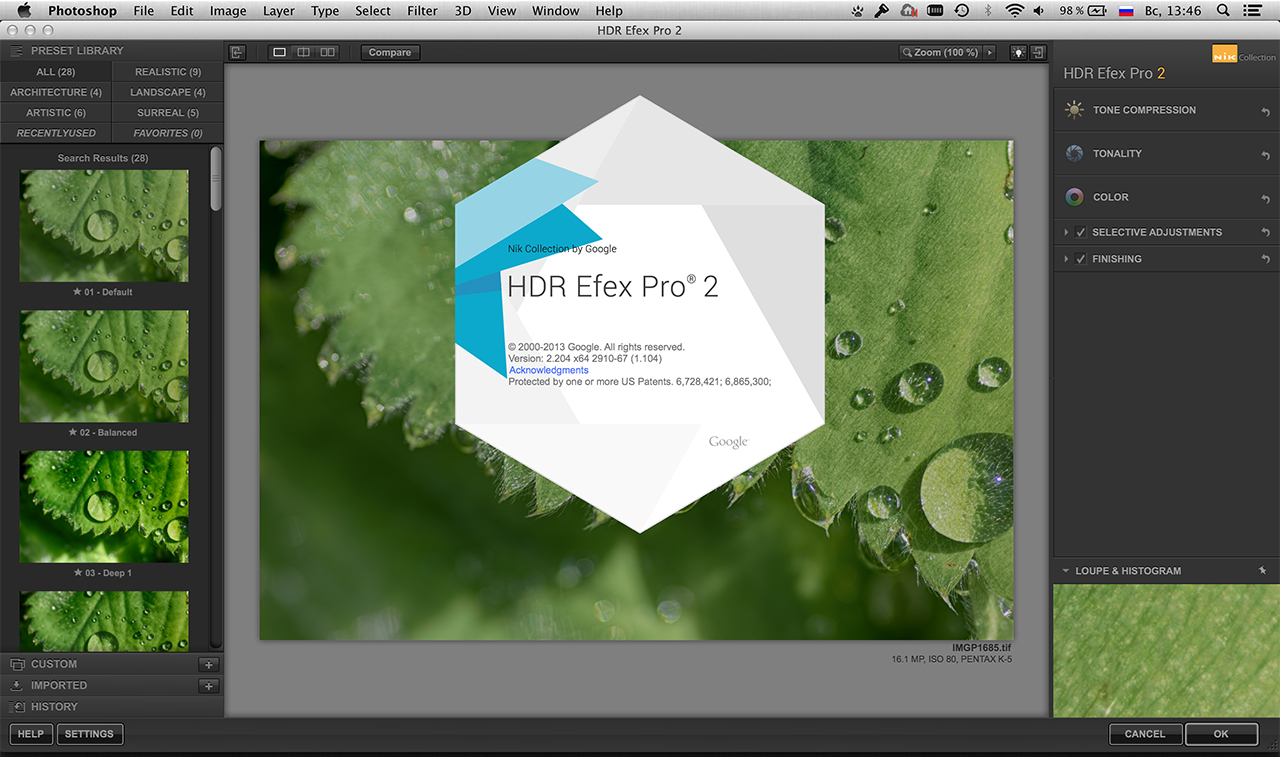
HDR Efex Pro 2: Fixed a crash that might have occurred during parallel metadata loading from images
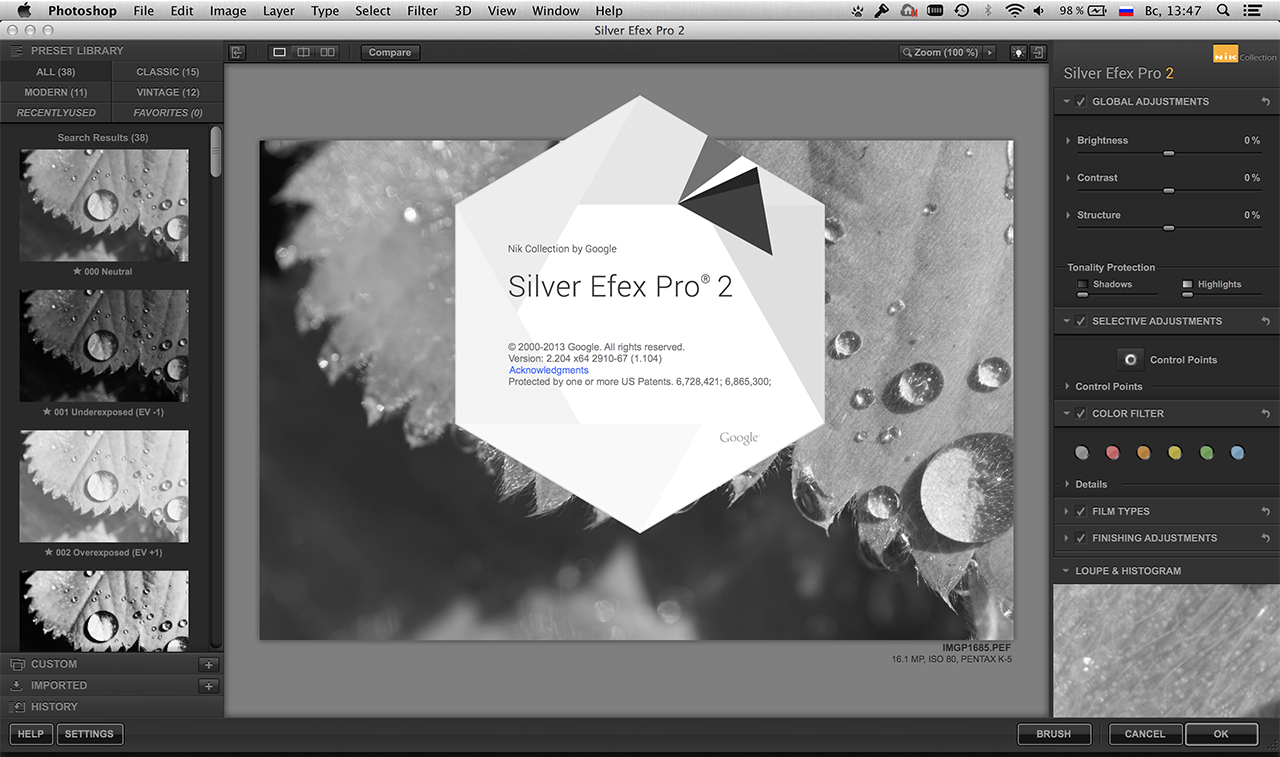
Silver Efex Pro 2: Fixed the functionality of the Toning sliders
Silver Efex Pro 2: Fixed an issue with Grain Strength visibility that depended on the preview scaling
Silver Efex Pro 2: Fixed GPU filtering artifacts, which also improved filtering speed
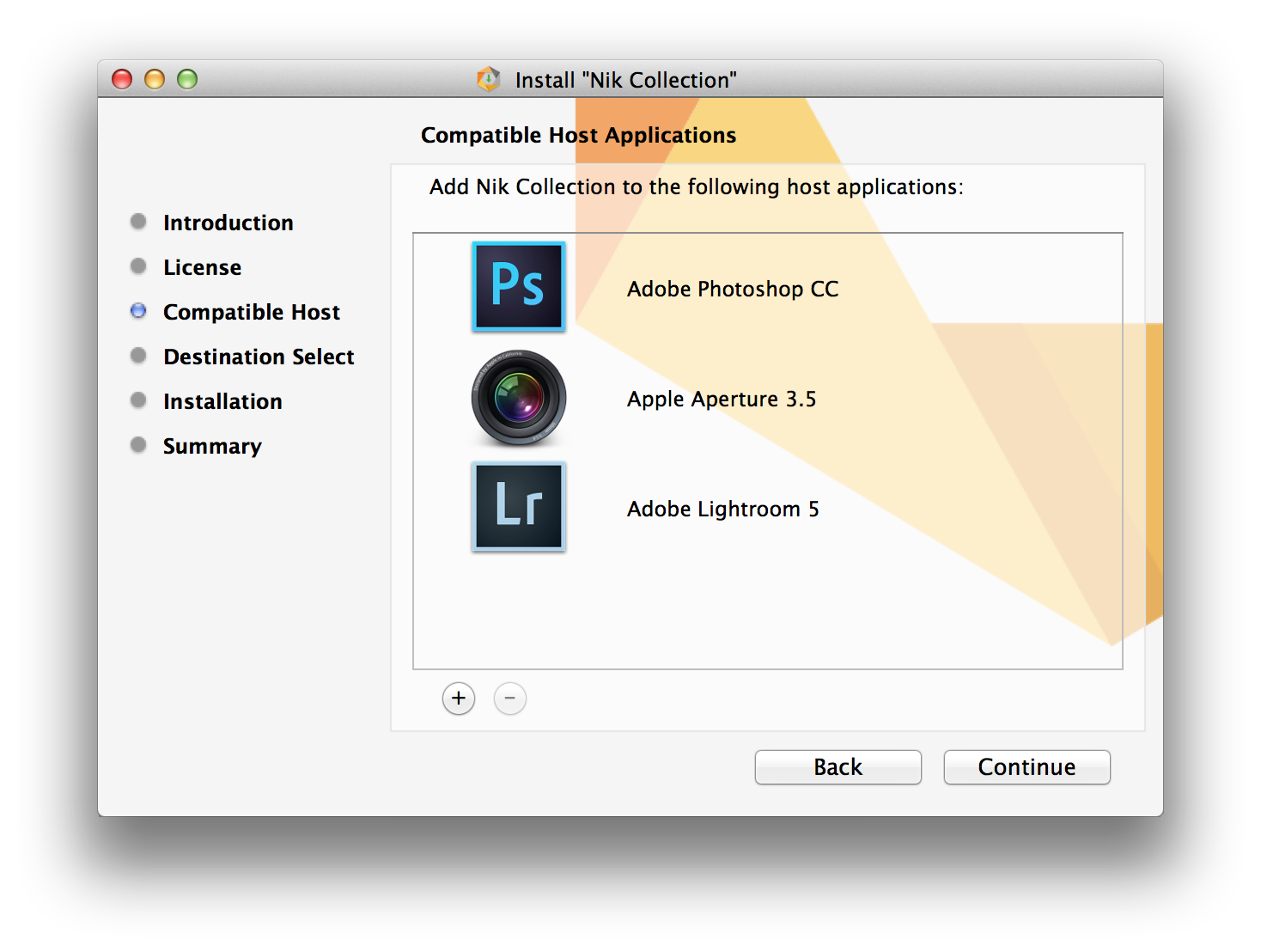
Mac:OS X 10.6.8 through 10.9
Adobe Photoshop:
CS4 (CS5 for HDR Efex Pro 2) through CC.
Adobe Photoshop Elements:
9 through 12 (apart from HDR Efex Pro 2, which is not compatible with Photoshop Elements)
Adobe Lightroom:
3 through 5
Apple Aperture:
3.1 or later
GPU Compatibility:NVIDIA GeForce 8 Series, GeForce 9 Series, GeForce 100 Series, GeForce 200 Series, GeForce 300 Series, GeForce 400 Series, GeForce 500 Series, ATI Radeon HD2000 Series, Radeon HD3000 Series, Radeon HD4000 Series, Radeon HD5000 Series, Radeon HD6000 Series, Intel HD Graphics 3000
If no compatible card is available, GPU acceleration will be disabled and the CPU will be used.
https://www.youtube.com/user/NikSoftwareLessons
Скачиваем триальную версию с официального сайта (там не требуется регистрация) и устанавливаем поверх уже имеющейся/установленной из раздачи.



 (Голосов:

 Хорошо, что так …
 )
)