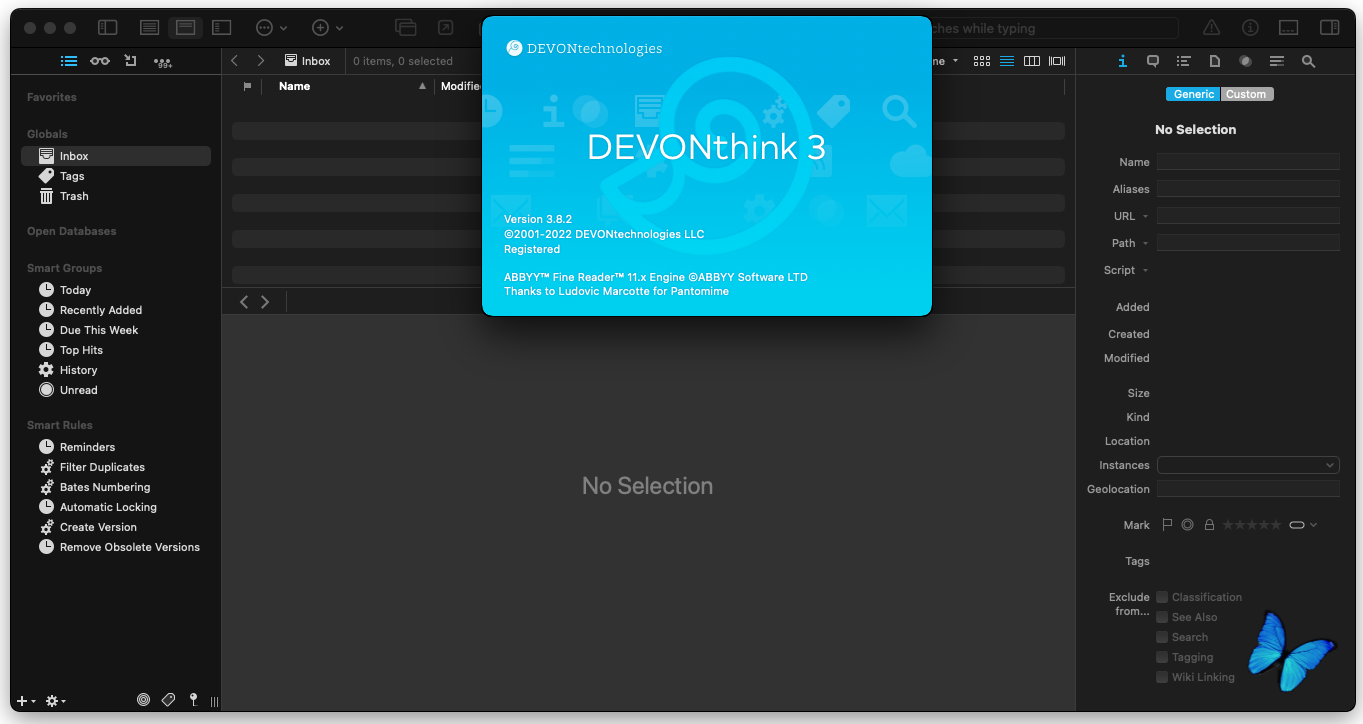
DEVONthink Pro Office/Server 3 v3.8.2
Тип издания: macOS Software
Релиз состоялся: 16.02.2022
Поддерживаемая ОС: macOS 10.11+
Разработчик: © 2001-2022 DEVONtechnologies, LLC
Официальный сайт: ссылкаЯзык интерфейса: Английский
Лечение: не требуется (инсталлятор уже пролечен)
Системные требования:
• macOS 10.11 или выше
• Intel 64-bit CPU
• Apple M1 chip
Описание:Devonthink Pro Office — программное обеспечение для хранения, организации и поиска электронных документов. Devonthink Pro Office в некотором роде можно назвать Вашим вторым мозгом, хранящим все цифровые файлы, будь то PDF-файлы, электронные письма, документы Word, или даже мультимедиа. Devonthink чрезвычайно гибок и легко настраивается под Ваши потребности. А если файлы не являются цифровыми, оцифруйте их при помощи Devonthink Pro Office.
Используйте его как хранилище Ваших документов, файловый кабинет, почтовый архив, или как проектный органайзер – Devonthink может все это. Вы даже можете собирать и организовывать данные с веб-страниц для личного пользования, обогащать их звуковыми и видео файлами с вашего жесткого диска, а затем экспортировать готовый продукт в виде веб-сайта; или скопировать контент в Ваш iPod! Возможности ограничены только Вашим воображением.
Возможности:
- Отличная поддержка кириллицы: как при поиске, так и при вводе и отображении;
- Система автоматического классифицирования и группирования заметок (по заранее заданным ключевым словам);
возможности для создания триггеров на события или появления статей с заданным набором ключевых слов;
- «Плагинная» архитектура и поддержка собственных виджетов;
- Встроенный менеджер закачек;
- Создание шаблонов, добавляемых в базу документов (например, вы можете сделать свою форму, в которой заполнять поля в соответствии со структурой вашей информации/документа/события);
- Возможности синхронизации, архивации данных;
- Аннотации к вложенным PDF-документам;
- Поддержка фидов в форматах RSS/RDF/Atom;
- Поддержка прямого подключения TWAIN-устройств;
- Возможность фонового OCR-распознания добавленного в базу текста (в виде pdf/изображения);
- Возможность отображать какие-то списки (группы) записей/файлов в виде таблиц-свойств множеств этих объектов;
- Настраиваемый автобэкап собственной базы;
- Поддержка iPhone;
- Поддержка доступа к web из самого органайзера
- Поддержка внешнего поискового API к базе.
Today's release brings a few new features together with improvements and fixes. There is a new preference option to have document windows always open in fullscreen mode if there is already a fullscreen window. A contextual or action menu command enables or disables selected smart rules and DEVONthink better handles aliases and symbolic links, e.g., when indexing or deleting files, or when opening them externally. We refined some format conversions, e.g., sheets to Markdown, and made tranclusions of HTML files and sheets happen faster and more reliably, especially with larger sheets. The synchronization now shows failed verifications in Notification Center. And lastly, the update fixes, among other minor bugs and glitches, a critical issue when inserting pages from one PDF to another. It also improves the overall performance and reliability.
NEW
New Enable/Disable Actions contextual and action menu items allow switching smart rules on or off.
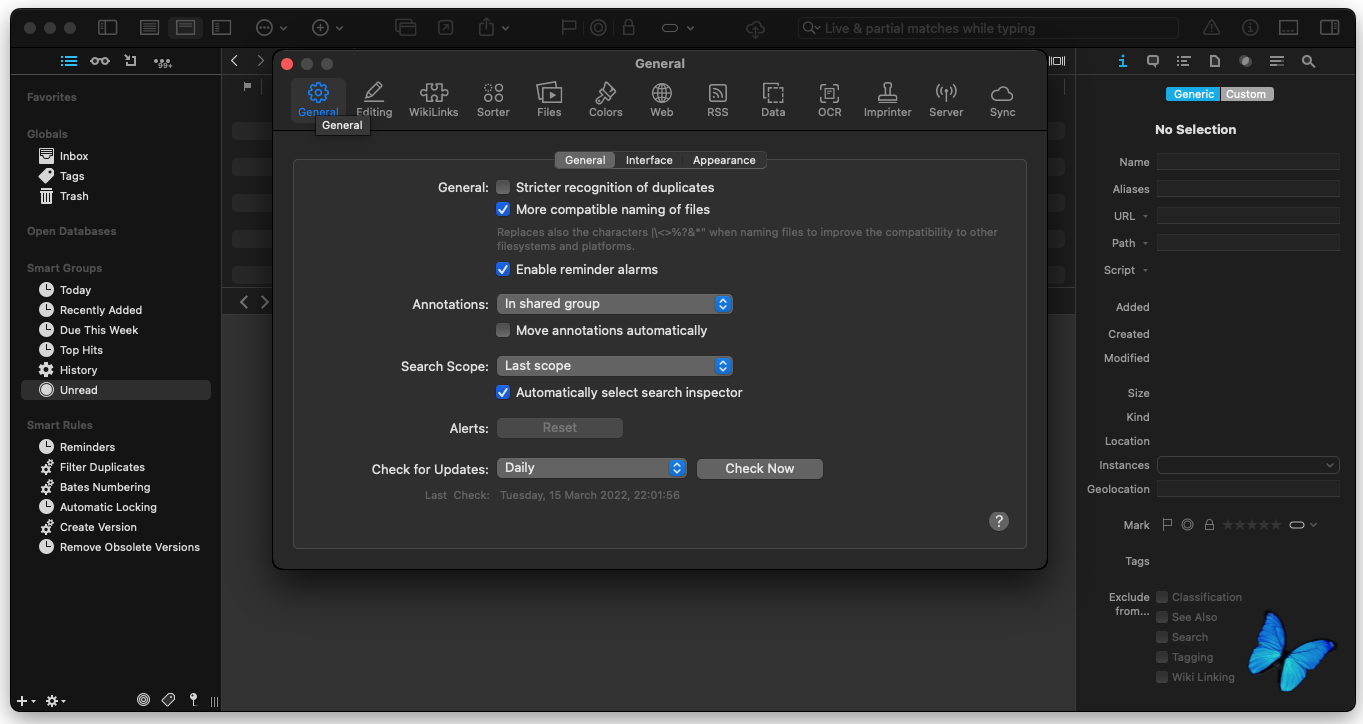
The new option Preferences > General > Interface > Document windows prefer fullscreen tells DEVONthink to open document windows in fullscreen if another of its windows is already in fullscreen.
Improved
Improved handling of aliases and symbolic links, e.g., when indexing, deleting, and opening items externally, as well as with the Data > Show in Finder and File > Update Indexed Items commands.
Repairing a database via File > Verify & Repair Database marks as pending any imported documents shown as No File. This makes it possible to download these items from a sync location if they are still available in/from the sync location. Note: This does not apply to indexed items.
Markdown transclusions referencing HTML documents or formatted notes now embed the HTML source instead of a conversion. In addition, referenced sheets are directly embedded as HTML, too, instead of Markdown as large sheets could crash the MultiMarkdown engine. Opening transcluded documents happens also faster.
Improved conversions of sheets to plain text and Markdown as well as of rich text documents to Markdown.
The toolbar search prefixes width, height, duration, hits, length, wordcount, charactercount, and size now support range operations, specifying the limits via prefix:lowerlimit-upperlimit. For example, width:1024-1280 is identical to width>=1024 width<=1280.
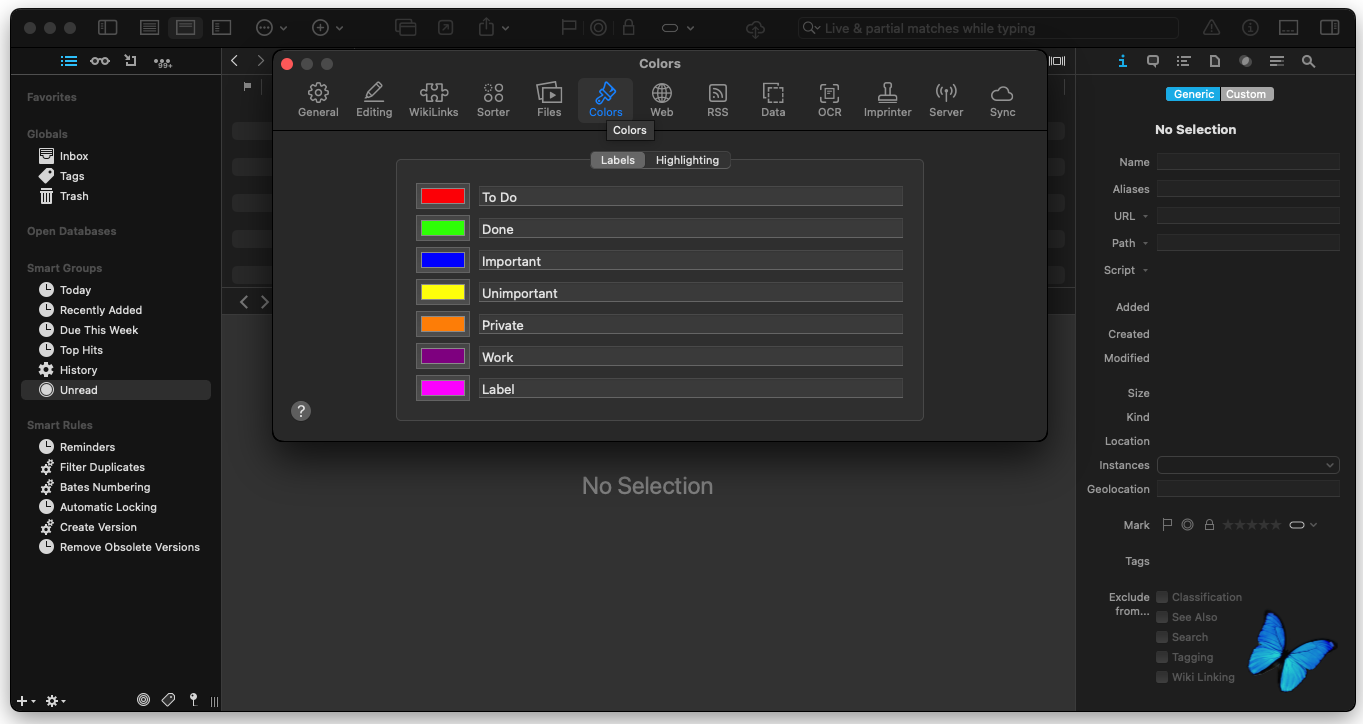
Sorting by flag, e.g., by choosing View > Sort by Flag will now use the label color if Preferences > General > Appearance > Labels has been set to As flags.
The Outgoing Links section of the Document > Links inspector now supports links in sheets.
The user-agent string while clipping is more compatible to certain websites, e.g., arxiv.org.
All smart rule scripts are now performed in the background. This improves the responsiveness of the application and fixes some rare freezes caused by JXA scripts.
Improved (Sync)
In case of failed automatic verifications before synchronizing, a notification for each affected database is shown in Notification Center.
Fixed
PDF pages inserted into another PDF via dragging to the Document > Thumbnails inspector or copy/paste would yield blank pages with no content. Fixed.
File > Updated Indexed Items and automatic updates after filesystem events didn't remove an item if an indexed file was moved from indexed folders in the Finder to other folders. Fixed.
Markdown transclusions using the filename without an extension didn't work. Fixed.
Text wrapping and the scrollbar didn't always work correctly after toggling between the preview and source views of web or Markdown documents. Fixed.
Rich text documents wouldn't convert to Markdown correctly if the first line contained a colon. Fixed.
A PDF could be marked as modified after clicking on internal links. Fixed.
A toolbar search using the extension: search prefix didn't use all specified extensions when unneeded spaces were used, e.g., extension:png; pdf. Fixed.
The Table of Contents inspector didn't display correctly with Markdown section headings containing escaped colons.
The Table of Contents inspector didn't ignore emboldened or underlined lines not containing any alphanumerical characters in rich text documents. Fixed.
File > Export > As website didn't export selected Markdown documents if the HTML entities option was disabled in the export options. Fixed.
An incorrect number of occurrences was sometimes shown in the Search inspector for some PDFs. Fixed.
The thumbnail of clipped PDFs could be transparent on recent macOS versions. Fixed.
Fixed (Sync)
The warning that currently opened databases contain not yet downloaded items wasn't shown by Preferences > Sync before cleaning a complete sync location if the location wasn't selected first. The generic warning before cleaning was shown instead. Fixed.
The garbage collection of sync stores could crash on rare occasions due to a multi-threading issue. Fixed.
Unnecessary sync runs could be performed on quit if Synchronize: On Quit or Deactivation was enabled in Preferences > Sync. Fixed.
Смонтировать образ, переписать иконку приложения в папку «Программы»
K'ed by bloppo
Приложение не обновлять!
Скриншоты:
Время раздачи: 24/7 (круглосуточно) (до появления первых 3-5 скачавших)