Silent Sifter 3.1
Тип издания: OS X Software
Релиз состоялся: 07 февраля 2014
Поддерживаемая ОС: OS X 10.8 or later.
Разработчик: Vector 15 Ltd.
Официальный сайт: ссылкаЯзык интерфейса: Английский, Немецкий, Испанский, Французский
Лечение: в комплекте
Тип лекарства: патч
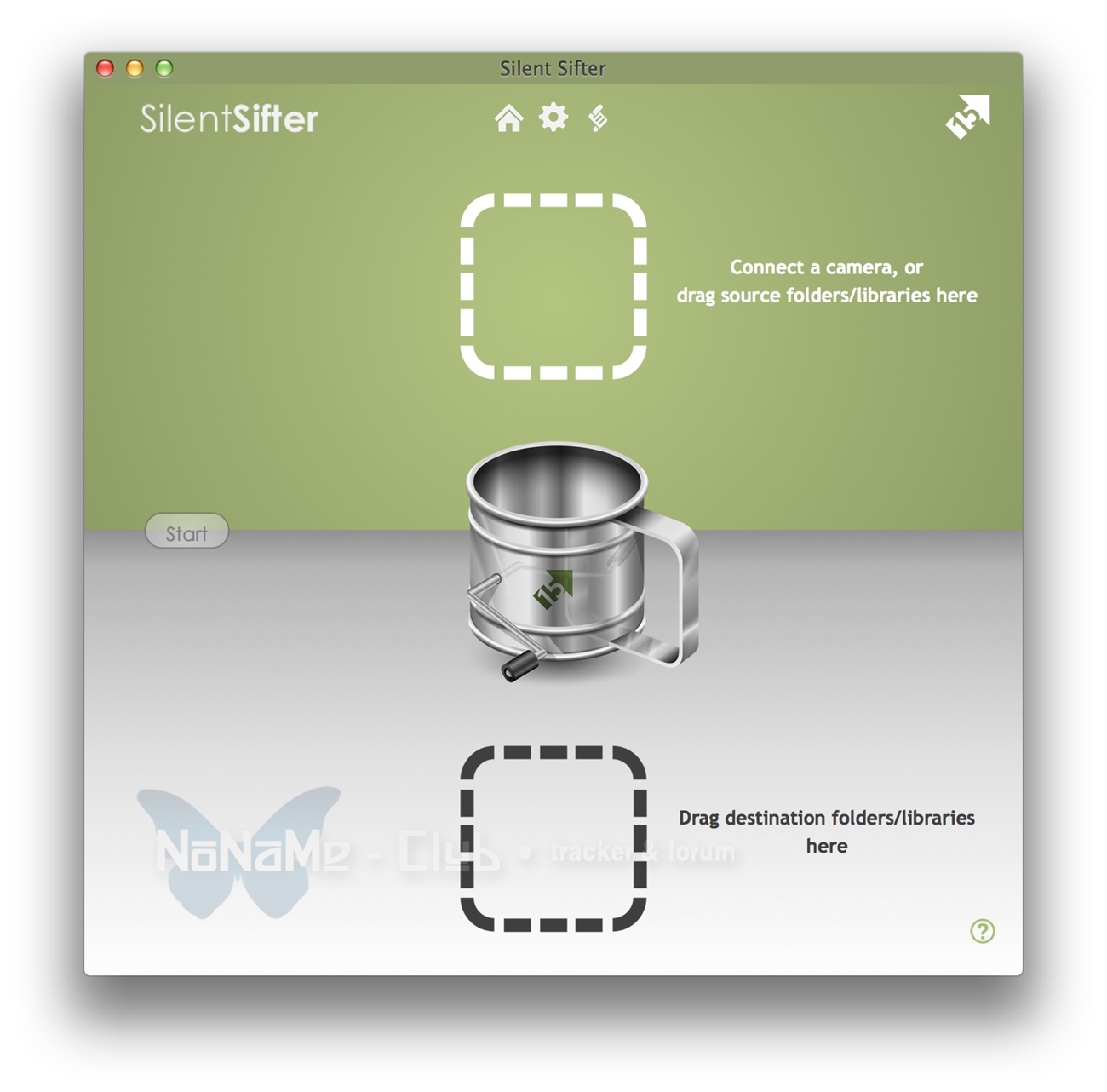
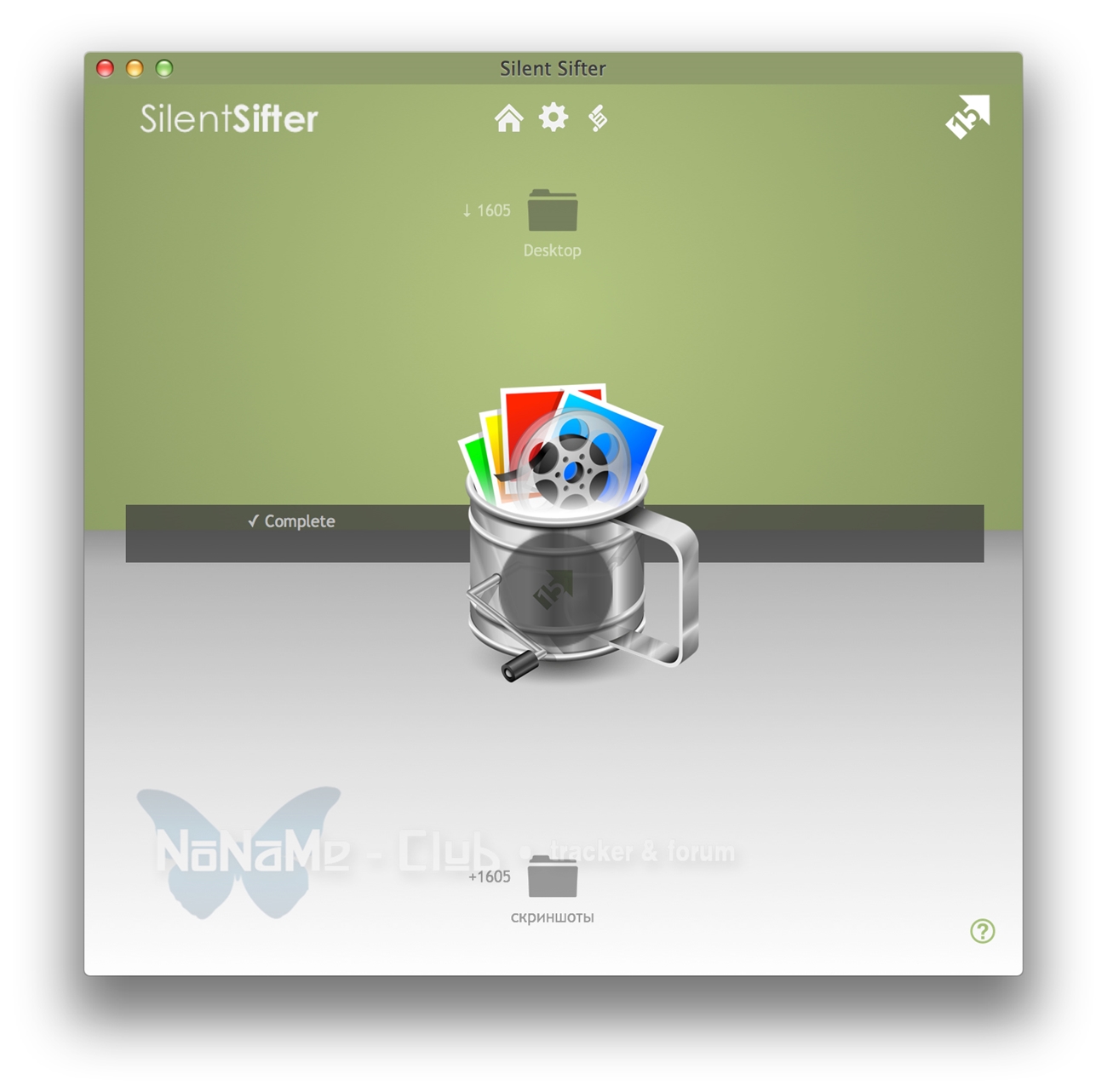
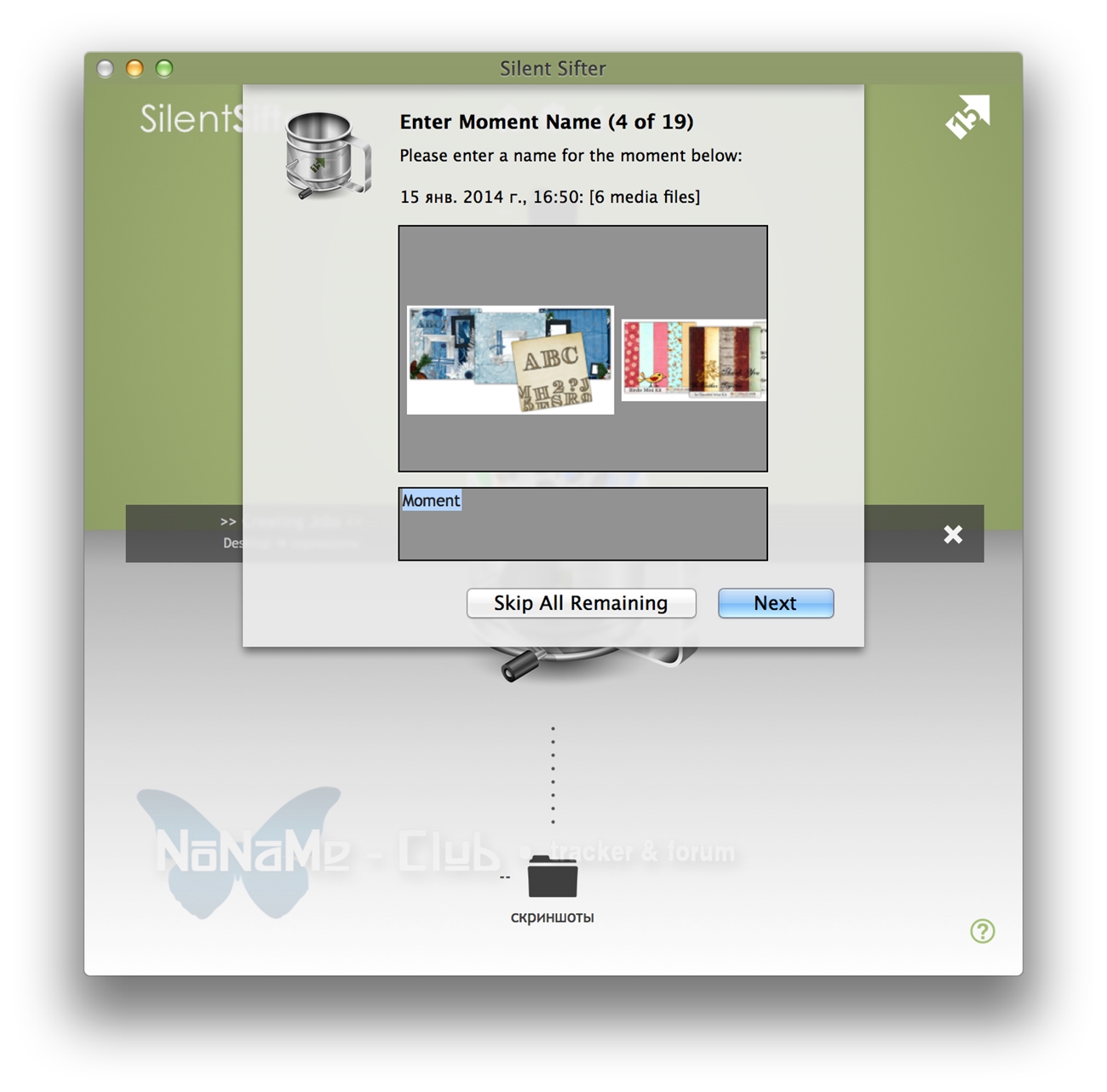
Системные требования:OS X 10.8 или более поздняя версия, 64-разрядный процессорОписание:У вас много цифровой фотографии и вы не знаете как разобраться? Наведите порядок и поддерживайте порядок с Silent Sifter. Silent Sifter будет удалять дубликаты, централизовать и организовывать все ваши существующие фото и видео, как вы хотите. После того, как вы определили места сохранения, вы можете импортировать новые файлы от камеры, смартфона, планшетного ПК, SD Card или папок той же структуры в один щелчок мыши. Silent Sifter помешает созданию дубликатов фотографий или видео.
Идеально подходит для вас, если:
• Вы не довольны тем, как ваши фотографии организованы, но боитесь очистки их
• У вас есть фотоаппарат, смартфон или SD-карта полный файлов и нужно освободить место
• У вас есть ваши фотографии или Видео, хранящиеся в нескольких местах и Вы хотите, чтобы они находились в одном месте.
• Вы не уверены, какие файлы вы скопировали с камеры, которых у Вас нет
• У вас есть несколько камер и Вы хотите, чтобы все их фотографии были организованы
• Вы энтузиаст фотографии или профессионал и хотите организовать свою обширную библиотеку файлов пользовательской структуры (По камере, дате, типу, RAW против JPG и т.д.)
Getting Organized
• Organize by year, month, camera, resolution, file type, or whatever custom structure you want
• Import from multiple cameras directly to your organized structure
• Filter out files you don't want
• Rename files to whatever you choose
• Automatically removes duplicates and prevents file collisions
• Supports Photos, Videos, RAW files
• iPhoto input/output support
• Photo Booth input support
• Easy to set up
• No manual work needed to organize your files
• Fast processing
Staying Organized
• Silent Sifter remembers your settings
• Connect your camera again, and with one click import, organize, rename, filter all of your files exactly how you would like
• Same files on your camera? No problem, Silent Sifter will detect the duplicates and only copy new files.
FEATURES
◦ One click organization
◦ Deduplication
◦ Customized folders
◦ File renaming
◦ Photos and Videos
◦ Multiple inputs
◦ Multiple outputs
◦ Camera import
◦ RAW files
◦ File filtering
◦ Dropbox and gDrive support
◦ iPhoto and Photo Booth support
◦ Automatic monitoring and organization
◦ Filename collision prevention
◦ Fast file processing and copying
TECHNICAL DETAILS
◦ Non-Destructive: Silent Sifter does not change EXIF data on copies, and does not modify the original files
◦ Photo Formats: JPG, PNG, GIF, TIFF, AI, PSD, JPEG2000, XCF, BMP, ICNS and a multitude of other formats.
◦ RAW Photo Formats: CR2, CRW, NEF, ERF, RAF, 3FR, DCR, RAW, DNG, MRW, NRW, ORF, RW2, PEF, MOS, ARW, SR2, X3F*, KDC*, PPM*, ARI*, SRF*, BAY*, CAP*, IIQ*, EIP*, DCS*, DRF*, K25*, FFF*, PTX*, R3D*, RWL*, RWZ*, SRW* and a multitude of other formats.
◦ Video Formats Supported: MOV, AVI, MPG, MP4, MTS*, MKV*, VOB*, M2TS* and a multitude of other formats.
◦ Date Created: When organizing or renaming files using create date, uses the EXIF/Photo Metadata if available, otherwise last modified date.
◦ Dropbox and gDrive inputs and outputs require the respective Mac clients for those services.
◦ Performance: When duplicate detection is enabled, once your files are analyzed for the first time, each subsequent sift operation will process approximately 1000 photos per minute**
◦ Device Support: iPhone, iPad, iPod Touch, Smartphones, Digital Cameras connected via USB, SD Cards, External Hard Drives, Network file shares, local folders
* Basic Support only, i.e. limited metadata available on these file types (resolution, camera, duration, etc).
** Varies based on processor speed, memory, drive location, etc, and first sift operation may take quite awhile for large photo collections
Смонтировать образ и перетащить иконку приложения в папку Программы
Скриншоты:
Время раздачи: до 3-х первых скачавших